Import livestock records
Bring the records you already have.
Upload your spreadsheet or photos of your barn book. We check the entries against the originals and ask about anything unclear before loading them.
Start in Tools → Import after signing in. A person reviews what Ranch.Bot reads from your files before any records are added.
Files you can bring
Every format below enters supervised review. Send up to 10 files per request, with a limit of 25 MB per file. An accepted file can still contain unreadable entries.
- Source
- Spreadsheets
- Accepted files
- CSV, XLS, XLSX
- Entries to review
- Groups, animals, identifiers, and dated entries for review
- Helpful context
- Name the current sheets. Note date and unit conventions.
- Source
- Documents
- Accepted files
- PDF, DOC, DOCX, TXT, MD, JSON
- Entries to review
- Readable livestock identities, events, and supporting notes
- Helpful context
- Say what each file covers and which pages matter.
- Source
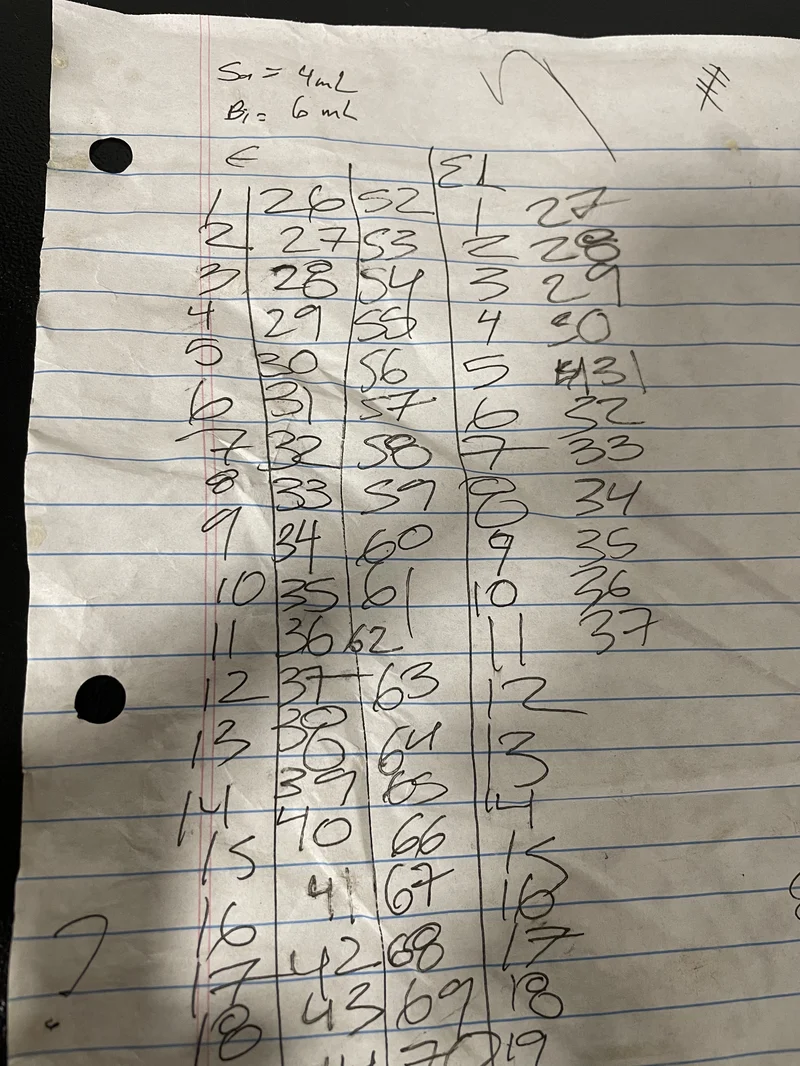
- Paper record photos
- Accepted files
- JPEG, PNG, GIF, WebP
- Entries to review
- Entries read from photographed pages
- Helpful context
- Keep pages in order. Point out glare, gaps, or mixed years.
What happens before anything loads
Ranch.Bot reads the files. A person reviews the entries and approves what can be loaded.
- 01
Upload the source
Use Tools → Import after signing in. Ranch.Bot stores the uploaded files with an import request. Uploading alone does not create an animal or record.
- 02
Read the files
Ranch.Bot reads the files and prepares a list of animals, groups, identifiers, and records to check.
- 03
Check against the originals
A person compares entries with the original files, checks counts and sample rows, and flags unclear details or information that does not belong in the farm records.
- 04
Clarify missing details
If a tag, date, unit, or other detail is unclear, Ranch.Bot asks you before that entry is approved for loading.
- 05
Load and check the records
After review and approval, Ranch.Bot loads the records, checks the counts, and opens sample entries. A mismatch needs attention before the request is marked loaded.
Help with a useful starting set
Customers receive a 20-minute welcome call and help setting up the farm and loading an agreed starting set of records. We agree on that scope after seeing your files. If a live time does not suit, a recorded walkthrough and email are available. Human review of imported records is included for all customers.
There is no fixed turnaround. Readability, unclear entries, and batch size affect the review. You can start with a current event if importing older records can wait.
After loading, check your animals, groups, and sample records in the app. You can download your saved farm records and take them with you.
Import questions
Is the livestock record import self-serve?
No. Uploading starts an import request. Ranch.Bot reads the files, then a person checks what it found against the originals. Unclear entries need clarification before records are loaded.
Should I clean the files before uploading them?
Keep the original source. A cleanup pass can remove clues such as a leading zero, an old sheet name, or the difference between a blank and a zero. Add a note about which files are current, the date range, and the units instead.
What help is included for customers?
Customers receive a 20-minute welcome call and help loading an agreed starting set of records after we see the source. Human review of imported records is included for all customers. There is no full-archive or fixed-turnaround promise.
Can Ranch.Bot import photos of paper records?
JPEG, PNG, GIF, and WebP files are accepted through Tools → Import for a person to review. Readability still matters. A photo being accepted does not guarantee that every handwritten mark can be identified.
Can I export the records after they are loaded?
Yes. Download your saved farm records and take them with you. The export guide explains the formats, included files, and privacy exclusions.
Bring one real file to the walkthrough
See the Tools → Import page and talk through the shape of the source before sending a large batch. Do not email sensitive files unless Ranch.Bot asks you to use that channel.
Card required; nothing is charged until day 31.
Once the existing history is in place, follow the SMS-first setup guide to text new records from the field and review them in the web dashboard.